WebP vs PNG vs JPG: which format should you use?
Last updated: 8 November 2026.
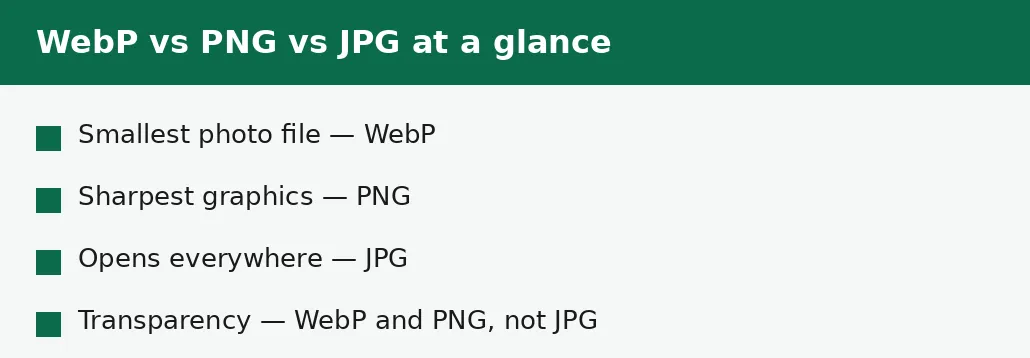
Use WebP for photos on the web, PNG for graphics with sharp edges or transparency, and JPG when the image must open anywhere or go into a form. WebP stores the same photo in a smaller file than JPG; PNG stores graphics without any quality loss and keeps transparency, but makes large files from photos; JPG is the universal fallback that every device, form and printer accepts. There is no single best format — the right one depends on what the image is and where it is going.
What each format is for
JPG is the photo format: it compresses photographs efficiently by throwing away detail the eye barely notices, which is why a photo that is several megabytes as a raw file becomes a few hundred kilobytes as a JPG. It has no transparency, and it loses a little quality every time it is saved — but it opens everywhere, and for photographs that trade is worth it.
PNG is the graphics format: it compresses without losing any quality at all, keeps transparency, and keeps sharp edges perfectly crisp. That makes it right for logos, icons, screenshots and diagrams — and wrong for photographs, where its lossless compression produces files many times larger than a JPG of the same photo. WebP is the modern format: it compresses photos better than JPG and graphics nearly as well as PNG, with transparency included — and it is supported by all modern browsers, though not by every form, printer or older program.
When to use each format
Use WebP for photos on a website: the same photo is typically a quarter to a third smaller than the equivalent JPG, and on a page with many photos that saving is the difference between a fast page and a slow one. All modern browsers open WebP, so for web use there is no compatibility cost any more — the cost appears only when the image must leave the web.
Use PNG for anything with sharp edges or transparency: logos, icons, screenshots, diagrams, and any graphic where a JPG's softening would show. Use JPG for photographs that must open anywhere — a form upload, an email attachment, a print shop, an older device — and for any photo where the recipient's software is unknown. The JPG to WebP tool converts a photo for the web, and the JPG to PNG tool converts it when transparency or lossless quality is needed.
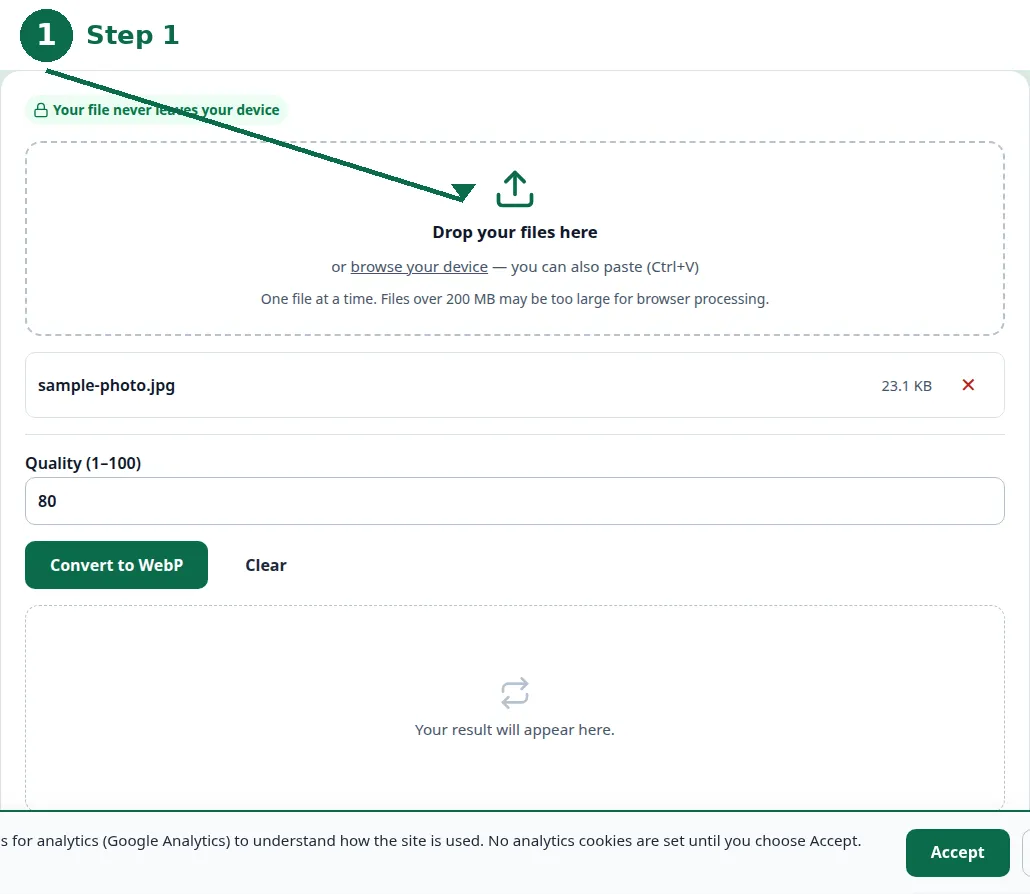
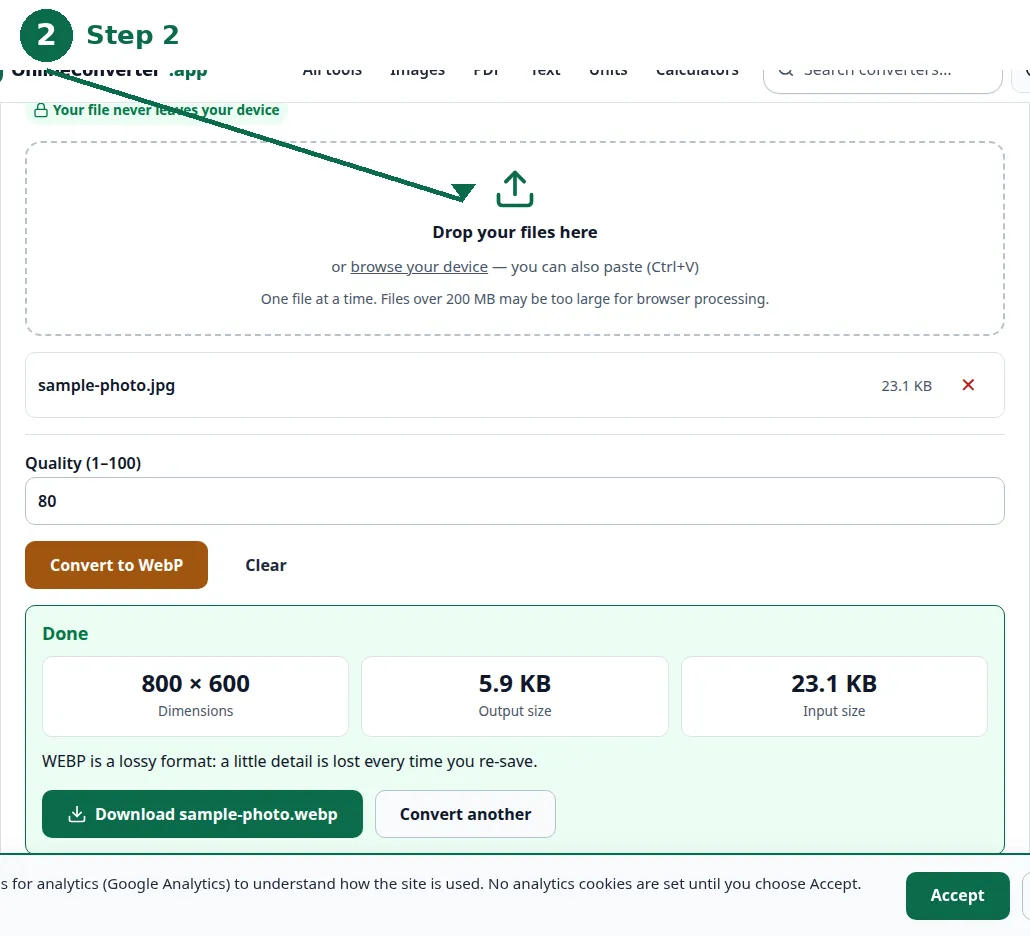
- Step 1 — Open the JPG to WebP tool and choose your JPG photo.
- Step 2 — Check the quality setting, and convert.
- Step 3 — Download the WebP file and open it to confirm it looks right.
- Step 4 — If the image must also work where WebP is not accepted, keep a JPG copy as well.
Photos: WebP wins on size, JPG wins on compatibility
For a photograph, WebP and JPG differ mainly in size: the same photo at the same visible quality is noticeably smaller as WebP, because its compression is newer. On a website that difference is pure gain — faster pages, less data for visitors — and the picture looks the same. That is why WebP has become the default photo format for the web.
JPG's advantage for photos is not quality but reach: it opens in every form, every printer, every older program. A WebP sent to a form that expects JPG is rejected, and a WebP opened on an old computer may not open at all. For a photo that must travel beyond the web, JPG is still the safe choice — and the guide to converting JPG to PNG covers the case where the photo needs transparency instead.
| WebP | PNG | JPG | |
|---|---|---|---|
| Photo file size | Smallest | Very large | Moderate |
| Photo quality | Excellent | Perfect, but huge | Good |
| Graphics and text | Good | Perfect, sharp edges | Softens edges |
| Transparency | Yes | Yes | No |
| Quality loss on saving | Small | None | A little each save |
| Opens everywhere | Modern browsers | Almost everywhere | Everywhere |
| Best for | Photos on the web | Logos, icons, screenshots | Photos that must travel |
Graphics: PNG is still the right answer
A logo or an icon is mostly flat colour and sharp edges, and that is exactly what PNG is built for: its lossless compression keeps every edge crisp and every colour exact, and its transparency lets the graphic sit on any background. A JPG of the same logo softens the edges and smudges the flat colours, because JPG's compression was designed for photographs, not for flat graphics.
WebP handles graphics well too, and it is smaller than PNG — but PNG's advantage is that every program opens it and every designer expects it. For a logo that will be used in many places, PNG is the safe, standard choice; for a graphic that lives only on a website, WebP is the smaller one. The difference is measured in kilobytes, not in visible quality, so either is defensible — PNG is simply the one nobody has to think about.
Compatibility: where each format fails
JPG fails almost nowhere. PNG fails almost nowhere either — it opens in every browser, every editor, every office program — though a few application forms ask for JPG specifically and reject PNG. WebP fails in the places that have not caught up: some application forms, some printers, some older desktop programs, and any workflow that assumes every image is a JPG or a PNG.
The practical rule is to match the format to the destination's expectations, not to the format's technical merits. A website expects WebP; a form expects JPG; a designer expects PNG. When the destination is unknown, JPG is the format that fails least — and keeping the original file means you can always convert again for a different destination.

Converting between them: what survives
Converting JPG to WebP or PNG keeps the picture as it is — the conversion is made from the full image — but it cannot put back detail the JPG already lost when it was first saved. A PNG made from a JPG is a lossless copy of a lossy picture: larger, not better. Converting PNG to JPG or WebP loses the transparency, because JPG has none, and it loses a little quality to JPG's compression.
Converting WebP to JPG or PNG is safe in the same way: the picture survives, the transparency survives only in PNG, and the file usually gets larger. The rule for every direction is the same — convert from the original file, not from a converted copy, and keep the original so the conversion can be redone.
Troubleshooting
Why won't the form accept my WebP image?
Many forms accept only JPG or PNG and reject WebP without a clear message. Convert the image to JPG with the JPG to WebP tool's reverse direction, or use the JPG to PNG tool, and upload that instead.
Why is my PNG photo so huge?
PNG compresses without losing quality, which is the wrong trade for a photograph: the same photo can be ten times larger as PNG than as JPG. Convert the photo to JPG or WebP — PNG is for graphics, not photos.
Why does my logo look blurry as a JPG?
JPG's compression softens sharp edges and flat colours, which is exactly what a logo is made of. Save the logo as PNG, which keeps every edge crisp, and use JPG only for photographs.
Common questions
Which is better, WebP or JPG?
WebP is better for photos on the web: smaller files at the same visible quality. JPG is better when the photo must open anywhere — forms, printers, older programs — because it opens everywhere.
When should I use PNG instead of JPG?
For graphics with sharp edges or transparency: logos, icons, screenshots and diagrams. For photographs, PNG makes files many times larger than JPG for no visible gain.
Does WebP lose quality compared to JPG?
No — at the same visible quality, WebP is smaller than JPG. What WebP loses is compatibility: some forms, printers and older programs do not accept it yet.
Can I convert WebP back to JPG?
Yes. The picture survives the conversion; only the size advantage is lost, and any transparency is lost too, because JPG has no transparency.
Is my image uploaded anywhere when I convert it?
No. Conversion runs entirely in your browser. Nothing is sent to a server, there is no account, and closing the tab clears your file from memory.
What format should a website use for photos?
WebP, for the smallest files and fastest pages — with a JPG copy kept for any destination that does not accept WebP.
Summary
Use WebP for photos on the web, PNG for logos, icons and screenshots, and JPG when the image must open anywhere. WebP is smallest, PNG is sharpest and lossless with transparency, JPG is universal. Convert from the original file, keep the original, and match the format to the destination — a website expects WebP, a form expects JPG, a designer expects PNG.