Image file sizes explained: why your PNG is 10× bigger than your JPG
Last updated: 8 November 2026.
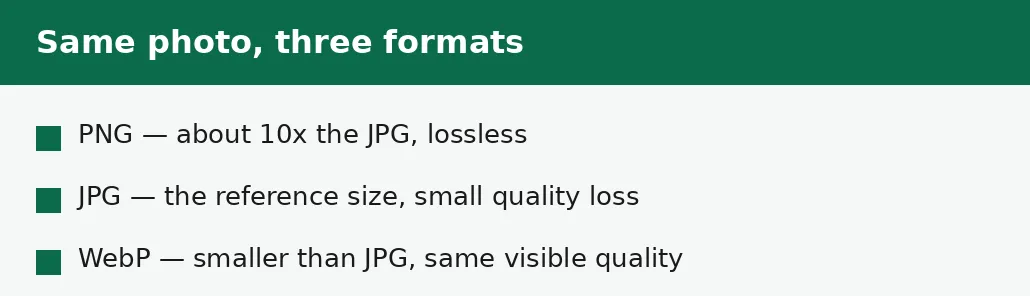
A PNG of a photograph is about ten times larger than the same photograph as a JPG because PNG compresses without losing any quality, while JPG compresses by throwing away detail the eye barely notices. For a photograph, that thrown-away detail is most of the file — so JPG's lossy compression wins by a large margin, and PNG's lossless compression pays full price for every pixel. The same PNG of a logo, by contrast, is small, because flat colours and sharp edges compress well without losing anything. File size is decided by three things: how many pixels the image has, how the format compresses them, and how much detail the picture actually contains.
The three things that decide a file's size
An image file's size is decided by three things, in order. First, how many pixels it has: width times height, and doubling both sides quadruples the pixels — a 4000-pixel-wide photo carries sixteen times the pixels of a 1000-pixel-wide version of the same picture. Second, how the format compresses those pixels: JPG throws away detail, PNG keeps everything, WebP throws away less visibly than JPG. Third, how much detail the picture contains: a photo of a busy street compresses worse than a photo of a clear sky, because there is more information to store.
Of the three, the format is usually the surprise. People expect a bigger picture to make a bigger file — and it does — but they do not expect the same picture to be ten times larger in one format than another. That gap is the whole story of this guide: PNG and JPG are not two ways of storing the same thing, they are two different bargains about what to keep.
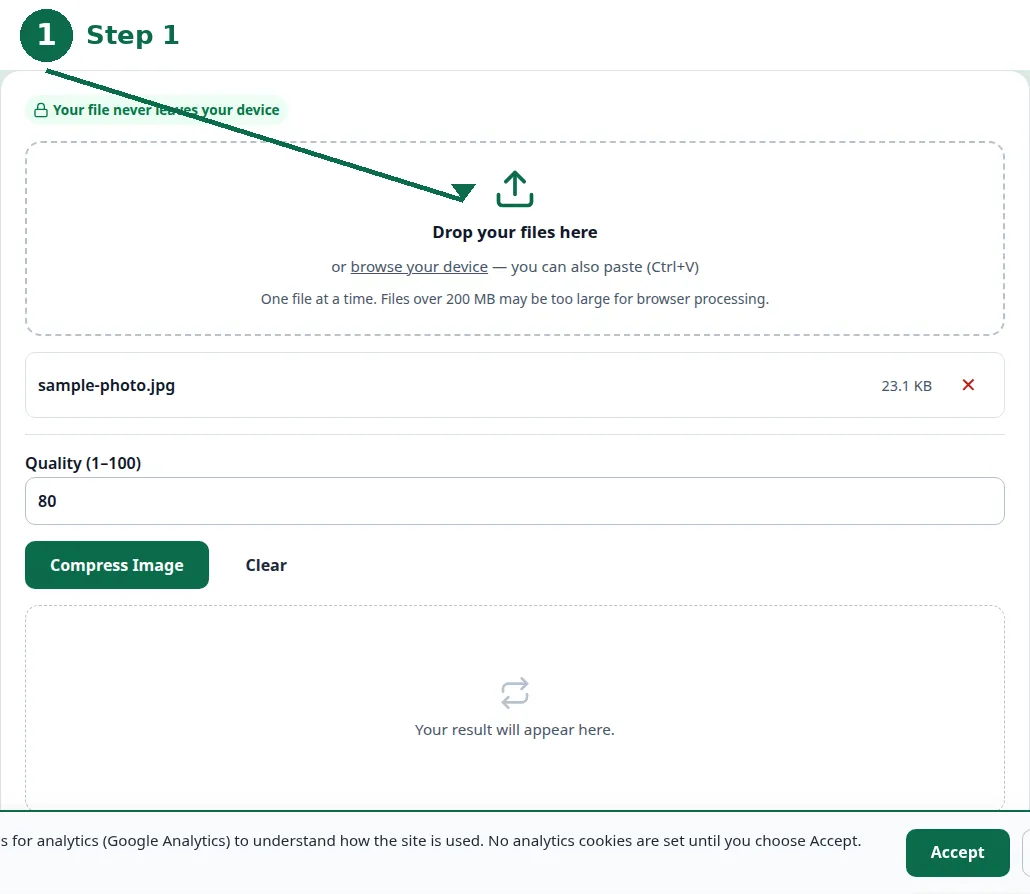
- Step 1 — Open the Image Compressor tool and choose your photo.
- Step 2 — Check the quality setting, and compress.
- Step 3 — Read the result: the size reached and how much smaller it is.
- Step 4 — If the file is still too big, resize it to smaller dimensions and compress again.
Pixels first: dimensions decide the baseline
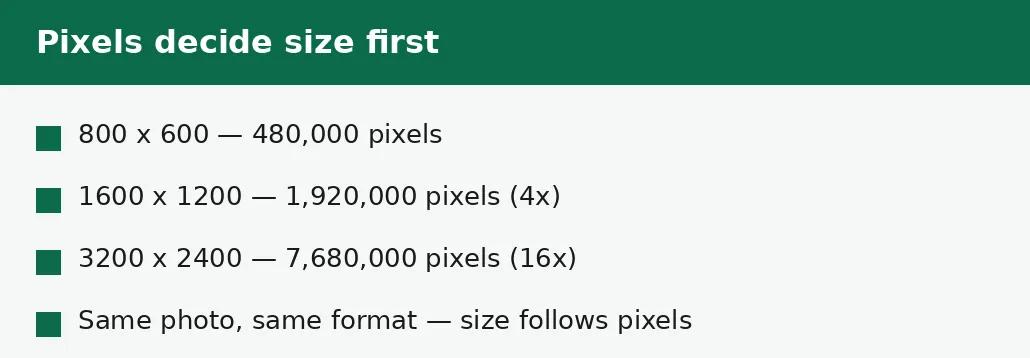
A digital photo is a grid of pixels, and the file must describe every one of them. A photo 4000 pixels wide and 3000 high holds 12 million pixels; the same photo at 1000 by 750 holds 750,000 — sixteen times fewer. Even with identical compression, the larger file is roughly sixteen times larger, because there is sixteen times more picture to describe.
That is why resizing is the most powerful way to shrink a photo: halving the width and height quarters the pixels, and the file follows. A photo that will only ever be shown 800 pixels wide does not need 4000 pixels of width, and the extra 3200 pixels are dead weight. The guide to resizing an image without losing quality covers how far to go before the picture itself starts to suffer.
| Dimensions | Pixels | Relative size |
|---|---|---|
| 800 x 600 | 480,000 | 1x — the reference. |
| 1600 x 1200 | 1,920,000 | About 4x. |
| 3200 x 2400 | 7,680,000 | About 16x. |
| 4000 x 3000 | 12,000,000 | About 25x. |
Compression second: what each format throws away
JPG compresses a photograph by throwing away detail the eye barely notices: subtle colour changes, fine texture, the exact shade of a smooth sky. For a photograph, that thrown-away detail is most of the file, which is why JPG is so much smaller than PNG. The loss is real but usually invisible — until the photo is saved as JPG again and again, when each save throws away a little more.
PNG compresses without throwing anything away: every pixel is stored exactly. For a logo or a screenshot, that is cheap, because flat colours and sharp edges compress well without loss. For a photograph, it is expensive, because a photo's pixels are all different from their neighbours, and describing each one exactly takes space — roughly ten times the space JPG needs for the same picture. WebP sits between them: it throws away detail more cleverly than JPG, so the same photo is typically a quarter to a third smaller than the JPG.
Detail third: not all photos compress equally
Two photos of the same dimensions and format can still differ greatly in size, because one contains more information than the other. A photo of a clear sky is mostly one colour, and it compresses to almost nothing; a photo of a busy market, full of different colours and textures, compresses to a far larger file. The format cannot invent simplicity — it can only describe what is there.
This is also why a photo of a document is larger than a photo of a blank wall, and why screenshots of text are larger than screenshots of a plain background. If a file is surprisingly large, look at what is in the picture before blaming the format: a detailed picture is honestly large, and the fix is to resize it or accept the size, not to hunt for a better format.
What to do about a file that is too big
Work in order: format first, then dimensions, then quality. If a photograph is saved as PNG, convert it to JPG or WebP — that single change is often a tenfold saving, and the picture looks the same. If the photo is already JPG and still too big, resize it to the dimensions it will actually be shown at. Only then lower the quality setting, because quality is the one change that visibly costs detail.
Check the result at full size before you use it: open the compressed or resized file and look at the skies, the faces and the fine detail. A file that is small but unreadable has not been fixed, it has been ruined — and the fix is to go back to the original file and take a smaller step. Keep the original until the result is checked and accepted.
Troubleshooting
Why is my PNG photo ten times bigger than the JPG?
PNG compresses without losing any quality, so it stores every pixel exactly — and a photograph's pixels are all different. JPG throws away detail the eye barely notices, which is most of the file for a photo. Convert the photo to JPG or WebP.
Why did resizing barely shrink my file?
Either the format is the problem, not the dimensions — a PNG photo stays large at any size — or the quality setting is high. Change the format first, then resize, then lower the quality.
Why are two photos of the same size so different in file size?
Because one contains more detail than the other. A busy, colourful photo carries far more information than a plain one, and the file must describe all of it.
Common questions
Why is a PNG bigger than a JPG?
PNG stores every pixel exactly, with no quality loss; JPG throws away detail the eye barely notices. For a photograph, that detail is most of the file, so the PNG is about ten times larger.
How much smaller is WebP than JPG?
Typically a quarter to a third smaller at the same visible quality, because its compression is newer. WebP is the smallest choice for photos on the web.
Does resizing a photo shrink the file?
Yes — halving the width and height quarters the pixels, and the file follows. It is the most powerful way to shrink a photo, before touching the quality setting.
Why is my screenshot so large?
Screenshots of text and detailed screens carry a lot of information, and PNG — the usual screenshot format — stores it all exactly. For sharing, convert to JPG or WebP.
Is my image uploaded anywhere when I compress it?
No. Compression runs entirely in your browser. Nothing is sent to a server, there is no account, and closing the tab clears your file from memory.
What format should I use for photos on a website?
WebP, for the smallest files — with a JPG copy kept for any destination that does not accept WebP. Never use PNG for photographs on a website.
Summary
A PNG photo is about ten times the size of the same photo as JPG because PNG keeps every pixel exactly and JPG throws away unnoticed detail. File size follows three things in order: pixel dimensions, the format's compression, and how much detail the picture contains. Fix a large file in that order too — format first, then dimensions, then quality — and check the result at full size before you use it.