How to make a strong password you can actually remember
Last updated: 9 November 2026.
A strong password is a long one: length matters far more than cleverness, because every extra character multiplies the guesses an attacker must try. A random 16-character password of letters, numbers and symbols would take centuries to guess by brute force, while an 8-character password — however tricky it looks — can fall in hours. The practical answer is a passphrase: four or five random words strung together, like correct-horse-battery-staple, which is long, memorable and hard to guess. And the second practical answer is a password manager: one strong master password, and a different random password for every site, so one breach never unlocks the rest.
Why length beats cleverness
An attacker guessing passwords tries combinations, and the number of combinations grows with every character added. A password of 8 characters drawn from letters, numbers and symbols has roughly 600 trillion combinations — which sounds like a lot, until a modern computer tries billions of guesses a second and works through them in hours. Add four more characters and the combinations grow by a factor of tens of billions; add four more and they grow beyond any computer's reach for centuries.
Cleverness does not help nearly as much, because attackers do not guess randomly: they try the passwords people actually use — names, dates, football teams, keyboard walks like qwerty, and every password ever leaked in a breach, of which there are billions. A password that looks tricky to a person (P@ssw0rd!) is one of the first things an attacker tries, because millions of people had the same idea. Length, chosen randomly, is the defence that guessing cannot shortcut.
How to make a strong password
Set the length to at least 16 characters, include upper and lower case letters, numbers and symbols, and let the generator choose randomly. A random password has no pattern to guess — no word, no date, no name — which is exactly what makes it strong. Copy it into the password manager or write it down somewhere safe, and never type a generated password into a site you reached through a link in a message.
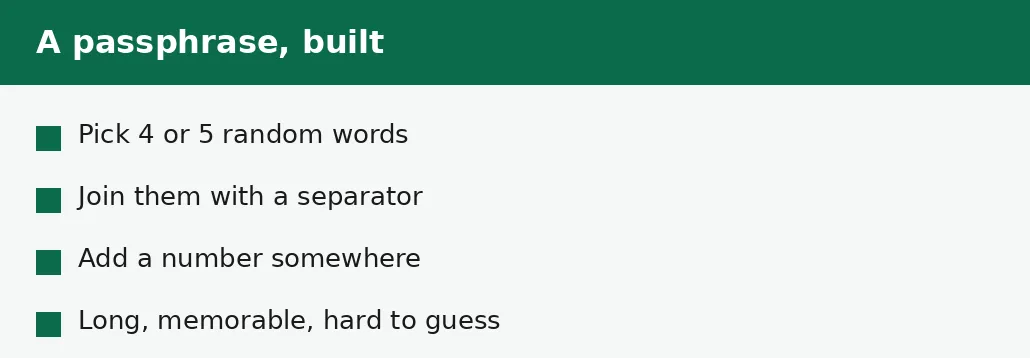
If the password must be remembered without a manager, use a passphrase instead: four or five words chosen at random, joined with a separator, with a number tucked in somewhere. The words must be random — not a sentence, not a lyric, not a quote — because a sentence is guessable in a way random words are not.
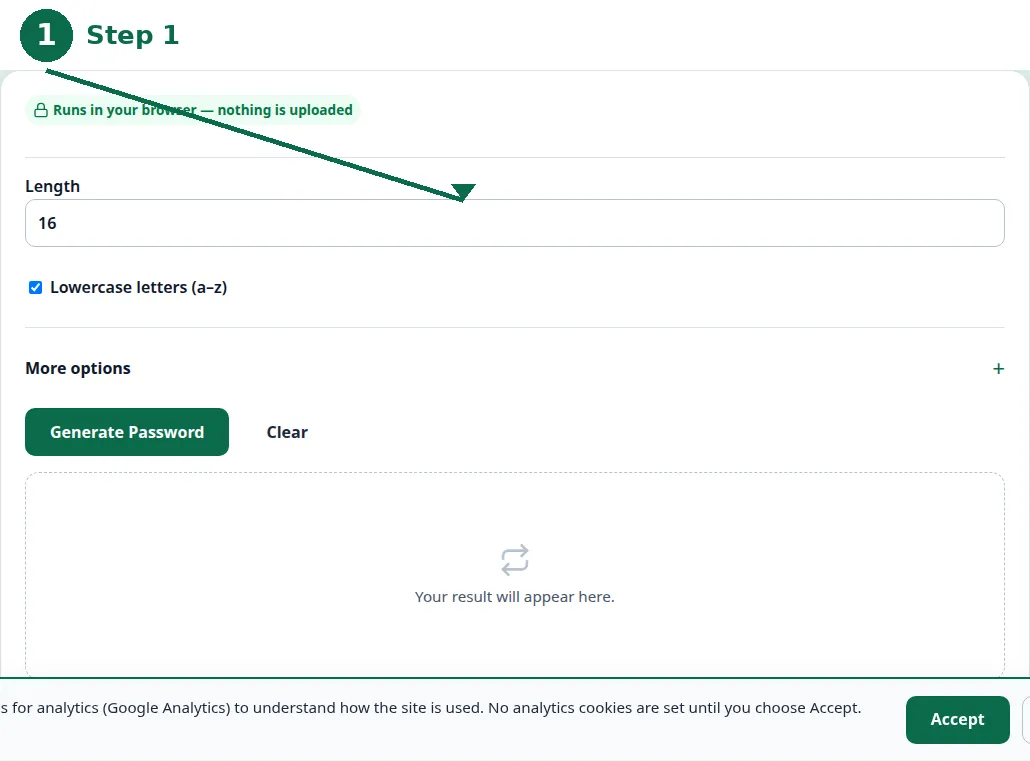
- Step 1 — Open the Password Generator and set the length to 16 characters.
- Step 2 — Keep upper and lower case letters, numbers and symbols switched on.
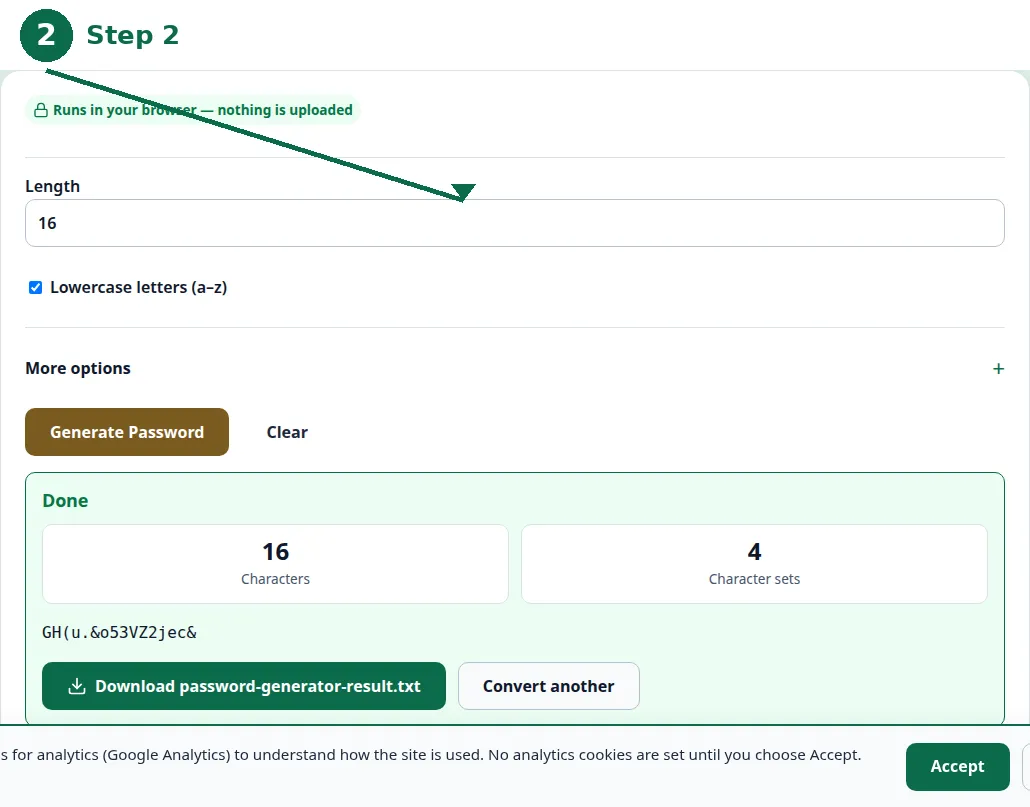
- Step 3 — Click Generate and copy the new password into your password manager.
- Step 4 — If you must remember it, make a passphrase instead: four or five random words, joined together.
How long is long enough?
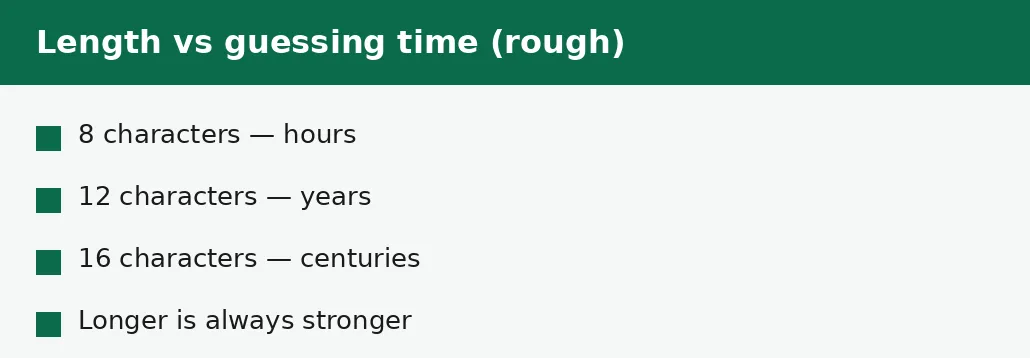
Sixteen characters is the strong default for anything that matters — email, banking, cloud storage, social media. Twelve characters is the floor: acceptable for a low-value account, not enough for the email that can reset all the others. Eight characters is not enough for anything any more, however tricky it looks.
The reason the numbers keep rising is that computers keep getting faster, and leaked password lists keep getting longer. A password that was strong ten years ago is weak today, not because the password changed but because the guessing got better. Length is the margin that absorbs that change: a 16-character password has margin to spare, and a 20-character one has more.
| Length | Rough guessing time | Good enough for |
|---|---|---|
| 8 characters | Hours | Nothing — too short. |
| 12 characters | Years | Low-value accounts. |
| 16 characters | Centuries | Email, banking, cloud. |
| 20 characters | Far beyond reach | The accounts that unlock others. |
| Passphrase, 4-5 words | Centuries | Anything you must remember. |
Passphrases: strong and memorable
A passphrase is a password made of words: four or five words chosen at random, joined with a hyphen or a space, with a number somewhere in the mix. Correct-horse-battery-staple is the famous example — four ordinary words, no pattern, 28 characters long, and far easier to remember than a random jumble of the same length.
The words must be random. A sentence from a book, a line from a song, a quote from a film — all of these are in the lists attackers try, because they are the first things people reach for. The randomness is the strength: roll dice, draw words from a hat, let a generator pick them. A passphrase of random words is strong precisely because nobody, including you, would have chosen those words together.
The mistakes that undo a strong password
The most common mistake is reusing one password everywhere: a breach at a forgotten forum hands the attacker the password to your email, and from your email they can reset everything else. Different passwords for every site is not paranoia — it is the single most effective habit in personal security, and a password manager is what makes it practical.
The second mistake is sharing passwords by message or email, where they can be read, forwarded or leaked — and the third is skipping two-factor sign-in where it is offered, which is a second lock that works even when the password is stolen. A strong password, used once, with a second factor switched on, is the standard worth aiming for — and it takes an afternoon to set up for the accounts that matter.
Troubleshooting
Why was my account hacked with a strong password?
The password was probably reused somewhere that leaked it, or stolen by a fake login page. A strong password used in two places is only as safe as the weaker place. Use a different password per site and switch on two-factor sign-in.
Why won't a site accept my generated password?
Some sites limit the length or the symbols allowed, or require a particular mix. Shorten the password to the site's maximum, or drop the symbol it rejects — and keep it as long as the site allows.
How do I remember a 16-character password?
You do not have to: use a password manager, which remembers them for you, or use a passphrase of four or five random words, which is long and memorable at the same time.
Common questions
What makes a password strong?
Length, chosen randomly. A random 16-character password of letters, numbers and symbols resists guessing for centuries; an 8-character one can fall in hours, however tricky it looks.
Is a passphrase as strong as a random password?
Yes, if the words are random: four or five random words make a password that is long, memorable and hard to guess. A sentence or a lyric is not random, and is much weaker.
Should I use the same password everywhere?
No. One breach hands the attacker the password to every site that shares it. Use a different password for every site — a password manager makes that practical.
How often should I change my password?
Only when there is a reason: a breach, a suspicion, or a site asking you to. Forced regular changes lead people to pick weaker passwords, which is worse than keeping a strong one.
Is my password uploaded anywhere when I generate one?
No. The password is generated entirely in your browser. Nothing is sent to a server, there is no account, and closing the tab clears it from memory.
What is two-factor sign-in?
A second check after the password — usually a code on your phone. It protects the account even if the password is stolen, and it is worth switching on for email, banking and cloud storage.
Summary
Length beats cleverness: a random 16-character password resists guessing for centuries, while an 8-character one can fall in hours. Use a passphrase of four or five random words when the password must be remembered, a password manager for everything else, a different password for every site, and two-factor sign-in where it is offered.