How to protect a PDF with a password (and when not to)
Last updated: 8 November 2026.
Protecting a PDF with a password stops anyone who does not know the password from opening it — which is enough for a document sent by email, a report shared with a small group, or a file that should not be opened by accident. It does not make the file unbreakable: a password can be guessed, shared, or removed by someone determined, so a password is a lock on a door, not a vault. Use one when the document is sensitive and the recipients are few; skip it when the document must be opened by strangers, by a system, or by a future you who may forget the password.
What a PDF password actually does
A password on a PDF does one thing: it stops the file from opening until the password is entered. Anyone who knows the password opens the file exactly as before — same pages, same text, same images — and anyone who does not know it sees a password prompt and nothing else. That is the whole protection, and it is enough for the common cases: a document that should not be opened by accident, or by someone who finds it on a shared computer.
What it does not do is make the file unbreakable. A short or guessable password can be tried thousands of times by a program; a password that is shared widely stops being a secret; and a determined person with the right software can remove the protection from many PDFs. A password is a lock on a door: it keeps honest people out and slows down the rest. For a document that must survive a determined attacker, a password alone is not the answer.
How to protect a PDF with a password
The method is short: choose the file, set the password, protect it, and test it. Testing matters — open the protected file yourself, enter the password, and confirm the pages are all there. A protected file that you cannot open is a file you have locked yourself out of, and the test is what catches that while the original is still at hand.
Send the password separately from the file: the file in one email, the password in another channel — a message, a phone call, a separate email. A password sent with the file is a key taped to the lock, and anyone who finds one finds both. And keep an unprotected copy yourself, somewhere safe, so a forgotten password costs you a retrieval rather than the document.
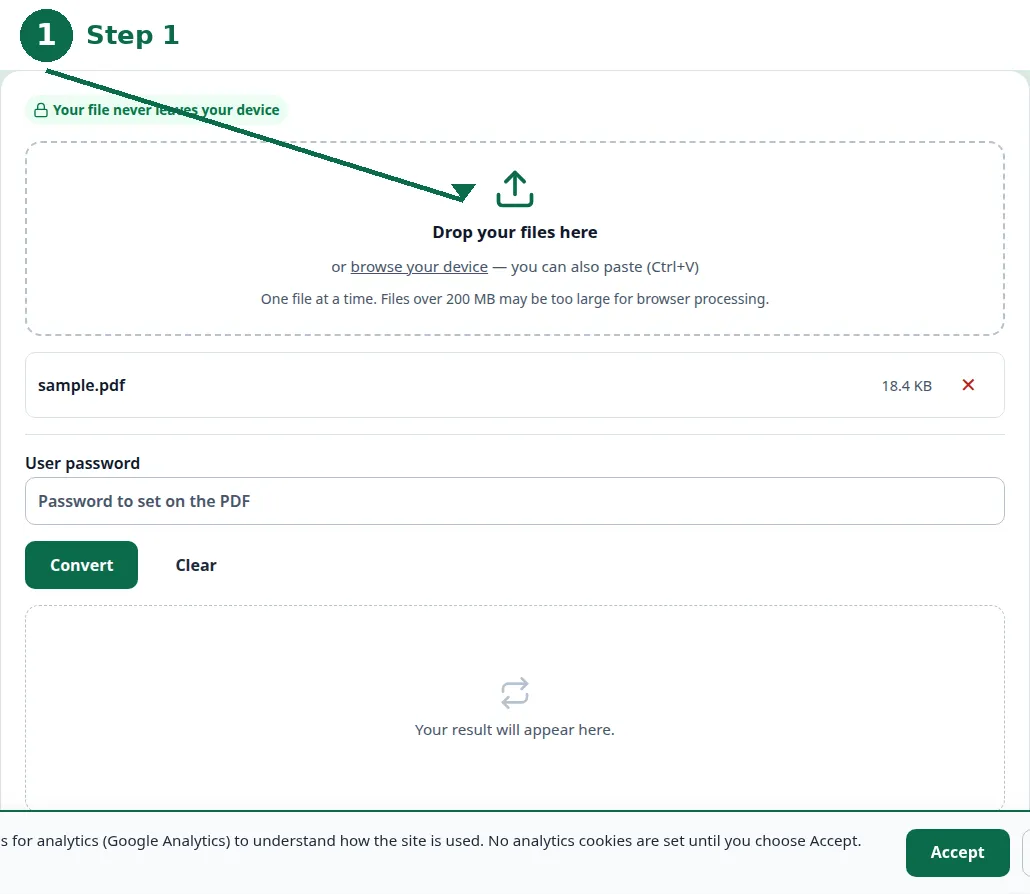
- Step 1 — Open the Protect PDF tool and choose your PDF file.
- Step 2 — Type a strong password — long, unique, and not guessable — and confirm it.
- Step 3 — Click Convert and download the protected PDF.
- Step 4 — Open the protected file, enter the password, and confirm the pages are all there.
Choosing a password that works
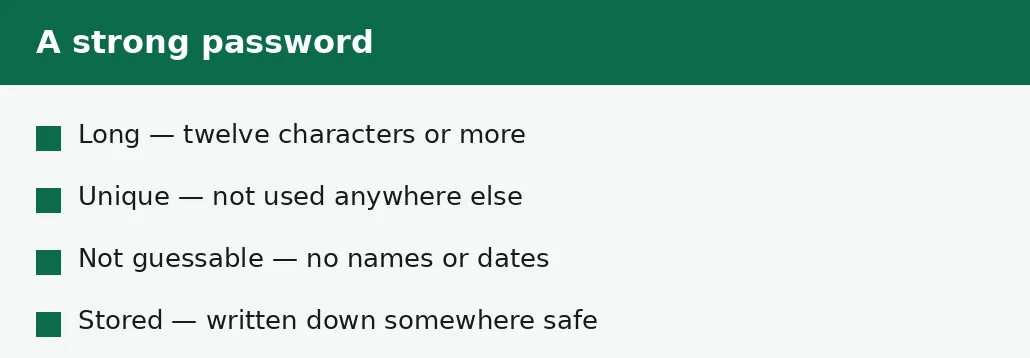
A strong password for a PDF is long, unique and not guessable: twelve characters or more, not used for anything else, and not built from names, dates or dictionary words. A phrase of unrelated words is stronger than a short jumble of characters and easier to remember — four ordinary words in a row are far harder to guess than a single word with a number on the end.
Do not reuse a password from another account: if that password leaks elsewhere, the PDF is open. Do not use the document's own subject as the password — the name of the person, the company or the project is the first thing anyone tries. And write the password down somewhere safe, because a password you cannot remember is a document you cannot open.
| Password | Verdict | Why |
|---|---|---|
| Four unrelated words | Good | Long, hard to guess, easy to remember. |
| A name and a year | Bad | The first thing anyone tries. |
| A password used elsewhere | Bad | If it leaks, the PDF is open. |
| Eight random characters | Fair | Short, but hard to guess. |
| Twelve or more characters, unique | Good | Long and unique beats clever. |
When not to protect a PDF
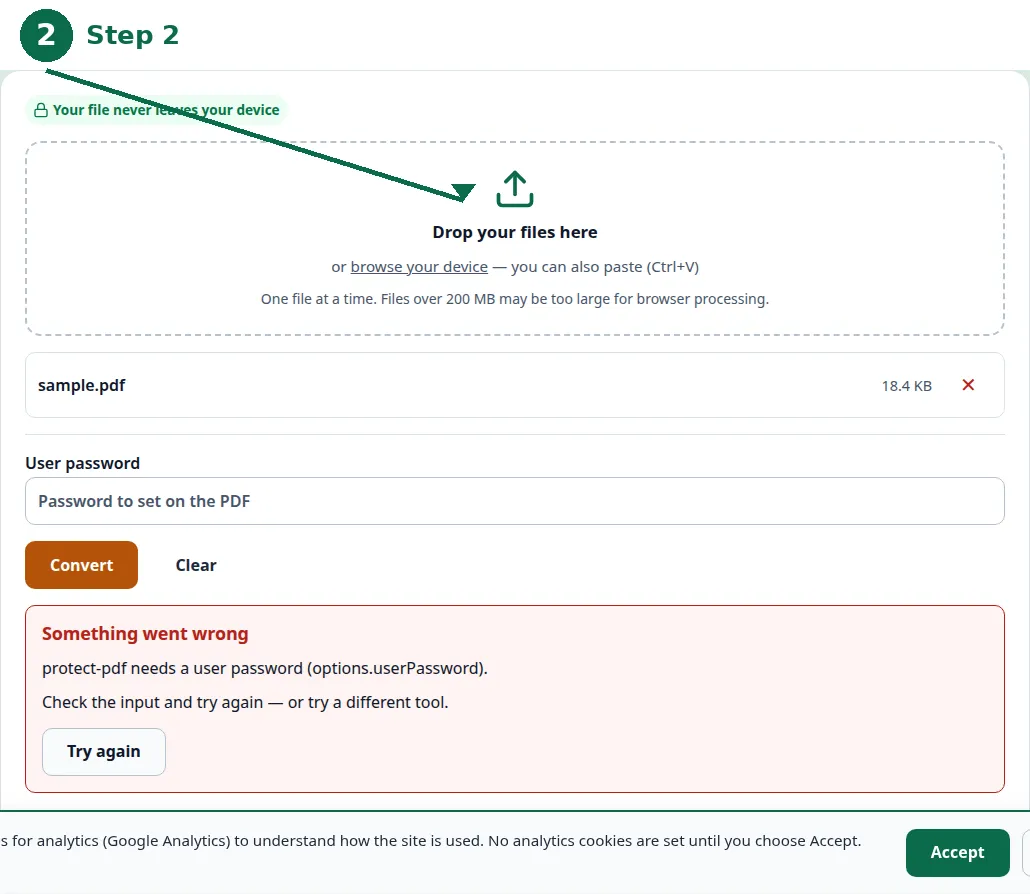
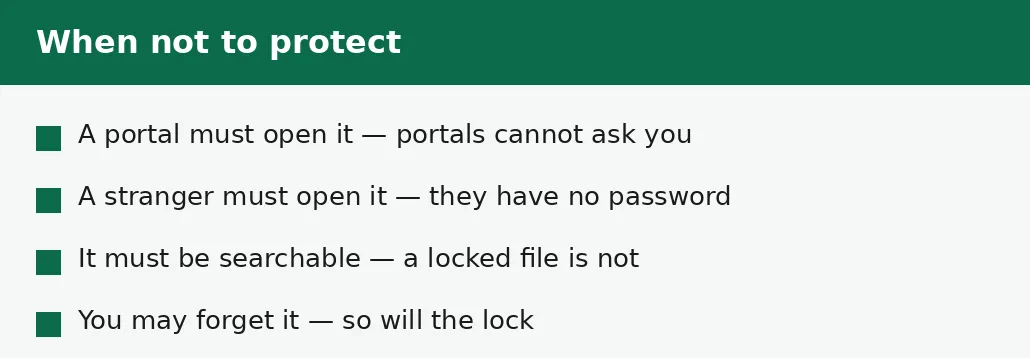
Do not protect a file that a portal or a system must open: a visa portal, an application form, an automated system cannot ask you for the password, and it will reject the file or fail silently. Do not protect a file that a stranger must open — a CV sent to a recruiter, a document posted publicly — because the stranger has no password and no way to ask for one.
Do not protect a file that must be searchable or indexed: a locked file cannot be read by a search system, and its text is invisible until unlocked. And do not protect a file you may need in a hurry, or in a year, if there is any chance you will forget the password — a forgotten password locks you out exactly as surely as it locks anyone else out, and there is no reset link on a PDF.
If the password is forgotten
A forgotten PDF password is a serious problem, not a minor one: there is no forgot-password link, no reset email, and no support desk that can open the file for you. That is why the unprotected copy matters — keep one somewhere safe, separate from the protected file, so a forgotten password costs you a retrieval rather than the document itself.
If there is no unprotected copy, the options are poor: try the passwords you usually use, try variations of them, and accept that a strong password, properly forgotten, may mean the document is gone. Prevention is the whole answer here — a written-down password, stored safely, and an unprotected copy kept apart from the protected one.
Troubleshooting
Why can't the portal open my protected PDF?
Portals and automated systems cannot enter a password — they reject the file or fail silently. Remove the password for portal uploads, and protect only files that people, not systems, will open.
Why can't I open my own protected PDF?
The password was mistyped, or forgotten. Try the passwords you usually use and their variations — and keep an unprotected copy somewhere safe next time, so a forgotten password costs a retrieval, not the document.
Why did the recipient say the password doesn't work?
The password was sent with a typo, or the file and the password travelled in different messages and one was lost. Send the password again, separately, and confirm it character by character.
Common questions
How do I protect a PDF with a password?
Use the Protect PDF tool: choose the file, type a strong password, convert, and download the protected file. Then open it yourself and confirm the password works before you send it.
Does a PDF password make the file unbreakable?
No. It stops casual opening, which is enough for most cases — but a short or guessable password can be tried by a program, and a determined person can remove the protection. It is a lock on a door, not a vault.
What makes a strong PDF password?
Length and uniqueness: twelve characters or more, not used anywhere else, not built from names, dates or dictionary words. Four unrelated words are stronger than a single word with a number on the end.
Should I password-protect a CV?
No. A recruiter is a stranger who has no password and no way to ask for one — a protected CV is a CV that never gets read.
Is my file uploaded anywhere when I protect it?
No. Protecting runs entirely in your browser. Nothing is sent to a server, there is no account, and closing the tab clears your file from memory.
What happens if I forget the PDF password?
There is no reset link and no support desk that can open the file. Keep an unprotected copy somewhere safe, and write the password down somewhere safe, before you protect the file.
Summary
A PDF password stops casual opening — enough for a sensitive document shared with a small, known group, not enough against a determined attacker. Choose a long, unique password, send it separately from the file, test the protected file yourself, and keep an unprotected copy somewhere safe. Never protect a file a portal, a system or a stranger must open, and never protect a file you may forget the password for.