How to open a 7z file without installing anything
Last updated: 9 November 2026.
A 7z file will not open by double-clicking it on Windows or macOS, because neither system understands the 7Z format. The quickest fix that needs no software is to convert the 7z file to a ZIP file in your browser: the ZIP opens everywhere, and the files inside come out exactly as they went in. The alternative is to install the free 7-Zip program, which opens 7z files directly — worth doing if you handle them often, unnecessary if this is a one-off file.
Why the file will not open
A 7z file is an archive — a single file holding many files inside it, squeezed smaller. The format comes from the free 7-Zip program and compresses better than the ZIP format most people know, which is why people use it for large folders, backups and downloads. But no operating system builds in support for it: Windows opens ZIP files by double-clicking and macOS does the same, and neither one knows what a 7z file is.
So when you double-click a 7z file and nothing happens — or the system asks which program should open it — the file is not broken and your computer is not at fault. The format is simply unfamiliar to the system. The file itself is fine, and the files inside it are fine too; you only need a way to unpack it, and there are two: convert it to a format your system does understand, or install the program that reads it.
How to open a 7z file: convert it to ZIP
Converting is the fastest route for a file you only need to open once. The conversion unpacks the 7z archive and packs the same files into a ZIP archive, which opens on any Windows or Mac by double-clicking. The files inside come out byte-for-byte identical — documents, photos, folders, everything exactly as it went in — because converting an archive only changes the wrapper, never the contents.
The whole job takes under a minute for most files. Large archives take a little longer, and archives that hold many small files take longer than archives holding one big file, but the steps never change: choose the file, convert, download the ZIP, open it.
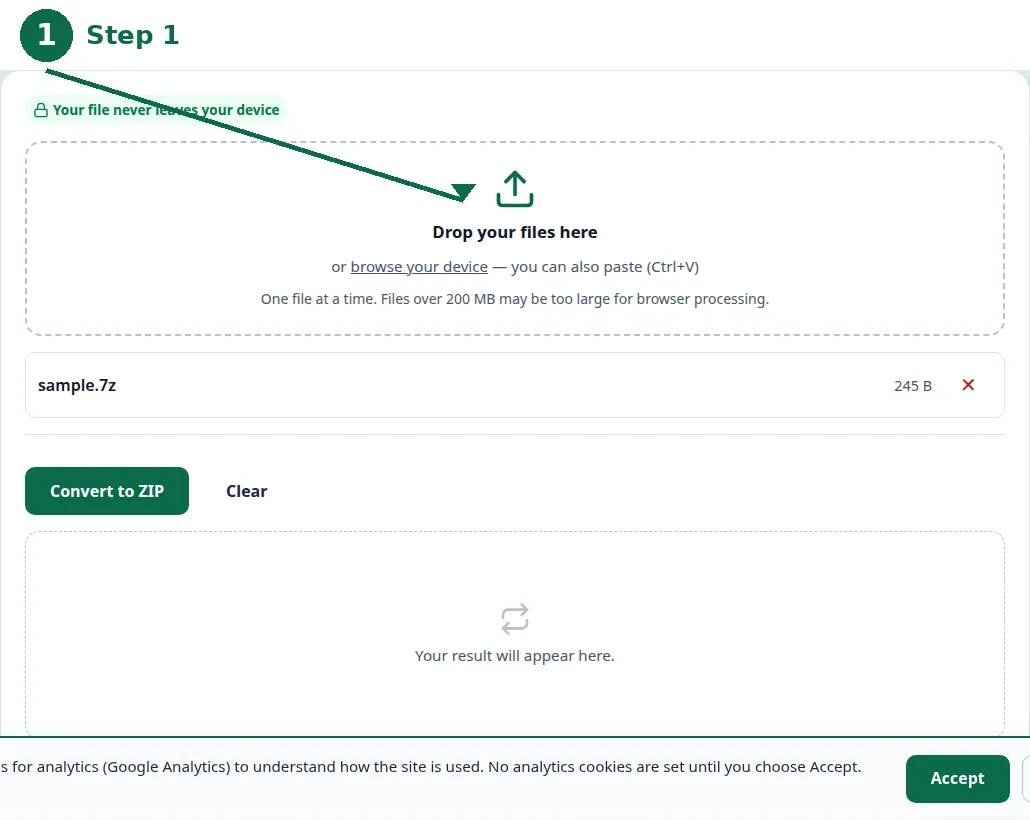
- Step 1 — Open the 7Z to ZIP tool and choose your 7z file.
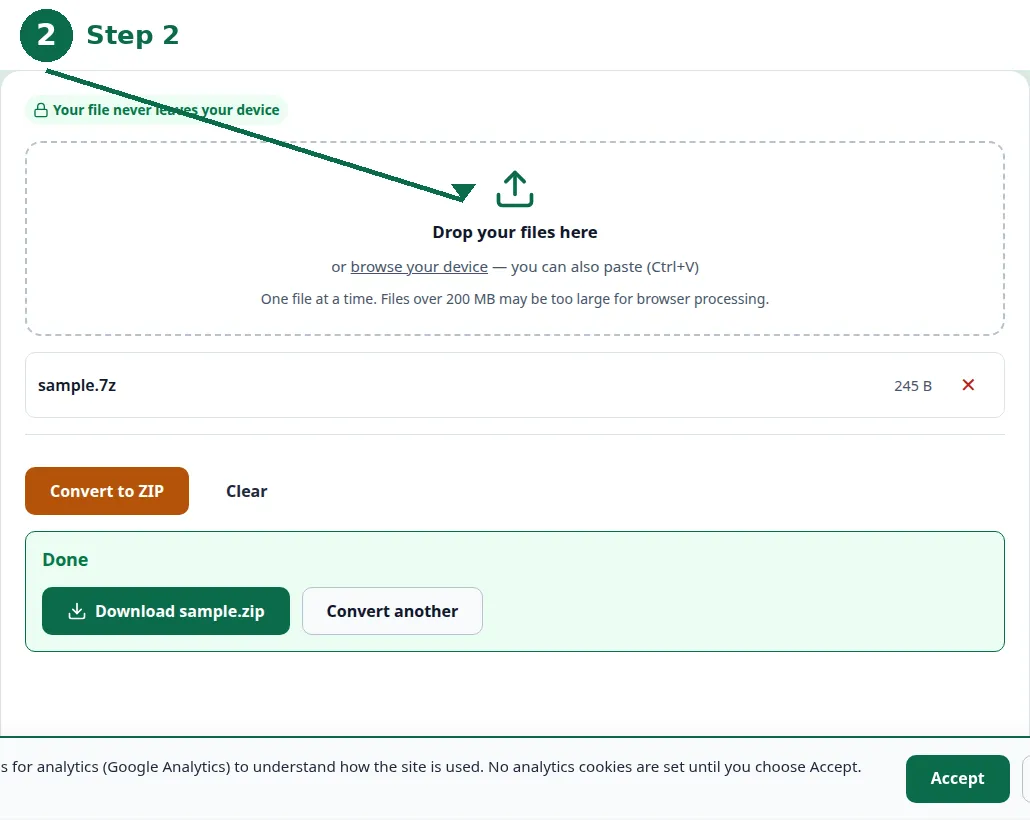
- Step 2 — Click Convert and wait for the archive to be repacked as a ZIP file.
- Step 3 — Download the ZIP file and double-click it: it opens like any ZIP file.
- Step 4 — Check the files inside before you delete the original 7z file.
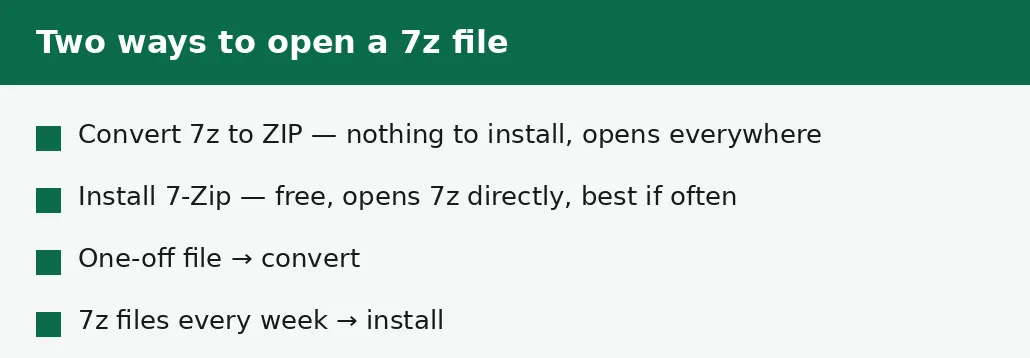
Convert, or install 7-Zip?
Convert when the file is a one-off: a download from the internet, an archive a colleague sent, a backup you need to look inside once. Conversion needs nothing installed, works on any computer including a borrowed one or a work machine where you cannot install software, and leaves nothing behind when you close the tab.
Install 7-Zip when 7z files keep arriving: if you download them weekly, or your work involves archives, having the program means double-clicking just works. 7-Zip is free, small, and has been around for decades; it also opens ZIP, RAR and TAR files, so it replaces several tools at once. The only cost is the install itself and a few megabytes of disk. If you are on a computer where you cannot install anything — a library machine, a locked work laptop — conversion is the only option, and it is a good one.
| Convert to ZIP | Install 7-Zip | |
|---|---|---|
| Software to install | None | 7-Zip (free) |
| Works on locked computers | Yes | No |
| Best for | One-off files | Frequent 7z files |
| Opens the archive | As a ZIP, everywhere | Directly, in place |
| Also opens | Nothing extra | ZIP, RAR, TAR and more |
| Leaves behind | Nothing | A small installed program |
If the 7z file asks for a password
Some 7z files are locked with a password, and the password prompt appears when you try to open or convert them. There is no way around this: the password is part of the file, and no converter, program or trick can open a password-protected archive without it. If you have the password, type it in when asked and the conversion proceeds normally.
If you do not have the password, ask the person who sent the file. Do not download password-removal tools — they are a common way to get malware, and the honest ones will tell you the same thing: without the password, the contents stay locked. And if you are setting a password on your own archive, write it down somewhere safe before you forget it, because a forgotten archive password locks you out exactly as surely as it locks anyone else out.
What to check inside the converted archive
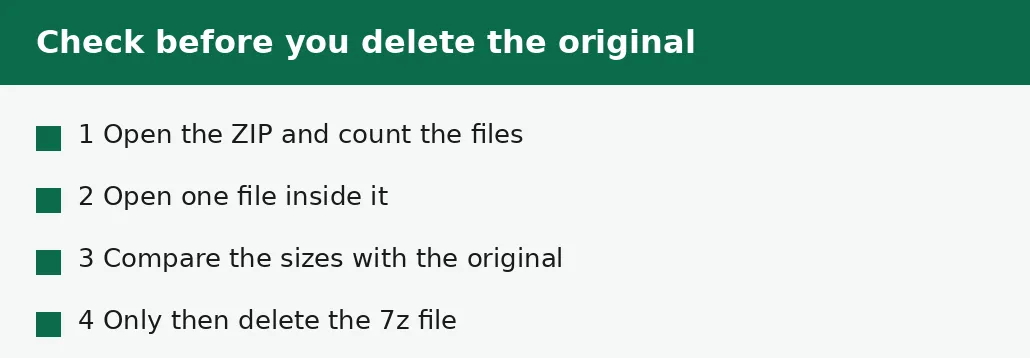
Before you delete the original 7z file, open the ZIP and look inside: count the files, check the folder names look right, and open one file to confirm it works. Archives occasionally hold files with very long names or unusual characters that some systems handle differently, and it is better to find that out while the original still exists.
Also check the sizes. The converted ZIP will usually be a little bigger than the 7z file — 7Z compresses more strongly than ZIP, so the same files take more room in a ZIP wrapper. That is expected, not a problem: the files inside are identical, only the wrapper is roomier. If the ZIP is dramatically smaller than the 7z file, or a file is missing, convert again from the original rather than trusting the first result.
The mistakes people make with 7z files
The most common mistake is assuming the file is broken or the download failed, and downloading it again — sometimes several times. The file was fine all along; the computer simply did not know the format. Convert it instead of re-downloading it.
The second mistake is installing random extractor software from the first search result. Some of it is bundled with unwanted extras, and none of it is needed for a one-off file: the browser conversion does the same job with nothing to install. And the third mistake is deleting the original 7z file before checking the converted ZIP — if anything went wrong in the conversion, the original is the only way to redo it.
Troubleshooting
Why does nothing happen when I double-click the 7z file?
Windows and macOS do not understand the 7Z format, so double-clicking does nothing. The file is not broken. Convert it to ZIP in the browser, or install the free 7-Zip program — either way opens it.
Why does the converted ZIP ask for a password?
The original 7z file was password-protected, and the protection carries over to the ZIP. You need the password from the person who sent the file — no converter can bypass it.
Why is my converted ZIP bigger than the 7z file?
7Z compresses more strongly than ZIP, so the same files take more room in a ZIP wrapper. That is expected. The files inside are identical — only the wrapper is roomier.
Common questions
What is a 7z file?
A 7z file is an archive — many files packed into one, squeezed smaller — made by the free 7-Zip program. It compresses better than ZIP but is not built into Windows or macOS.
Can I open a 7z file on a Mac?
Yes. Convert it to ZIP in the browser and it opens by double-clicking, or install a program that reads 7z files. The files inside come out exactly as they went in either way.
Is converting 7z to ZIP safe?
Yes. Converting only repacks the archive — the files inside come out byte-for-byte identical. And the conversion runs entirely in your browser: nothing is uploaded, there is no account, and closing the tab clears your file from memory.
Will I lose files converting 7z to ZIP?
No. Conversion unpacks the archive and packs the same files again in the other format. Check the converted ZIP — count the files, open one — before you delete the original, as you should with any conversion.
What program opens 7z files?
The free 7-Zip program opens them directly on Windows. On a Mac, or on a computer where you cannot install software, converting to ZIP in the browser is the simpler route.
Can I open a 7z file on my phone?
Phones cannot open 7z files by themselves either. Convert the file to ZIP on the phone's browser and the ZIP will open with the phone's built-in tools.
Summary
A 7z file will not open by double-clicking because Windows and macOS do not understand the format — the file is fine. Convert it to ZIP in the browser and it opens everywhere, with the files inside unchanged. Install the free 7-Zip program only if 7z files keep arriving; for a one-off file, conversion is the faster answer.