How online file conversion works: what happens to your file
Last updated: 8 November 2026.
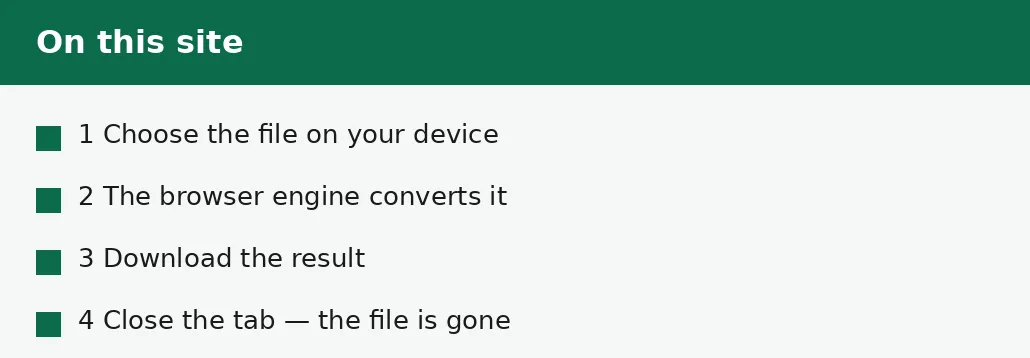
On this site, file conversion happens entirely in your browser: you choose a file, the built-in browser engine reads it and converts it on your own device, and the result is downloaded to your device — the file is never uploaded to a server, never stored anywhere, and closing the tab clears it from memory. That is not how every converter works: many online converters upload your file to their server, convert it there, and store it for some time afterwards. The difference matters, because a file that leaves your device is a file someone else holds — so this guide explains both models plainly, and how to tell which one a converter uses before you hand it a file.
What happens here: conversion in your browser
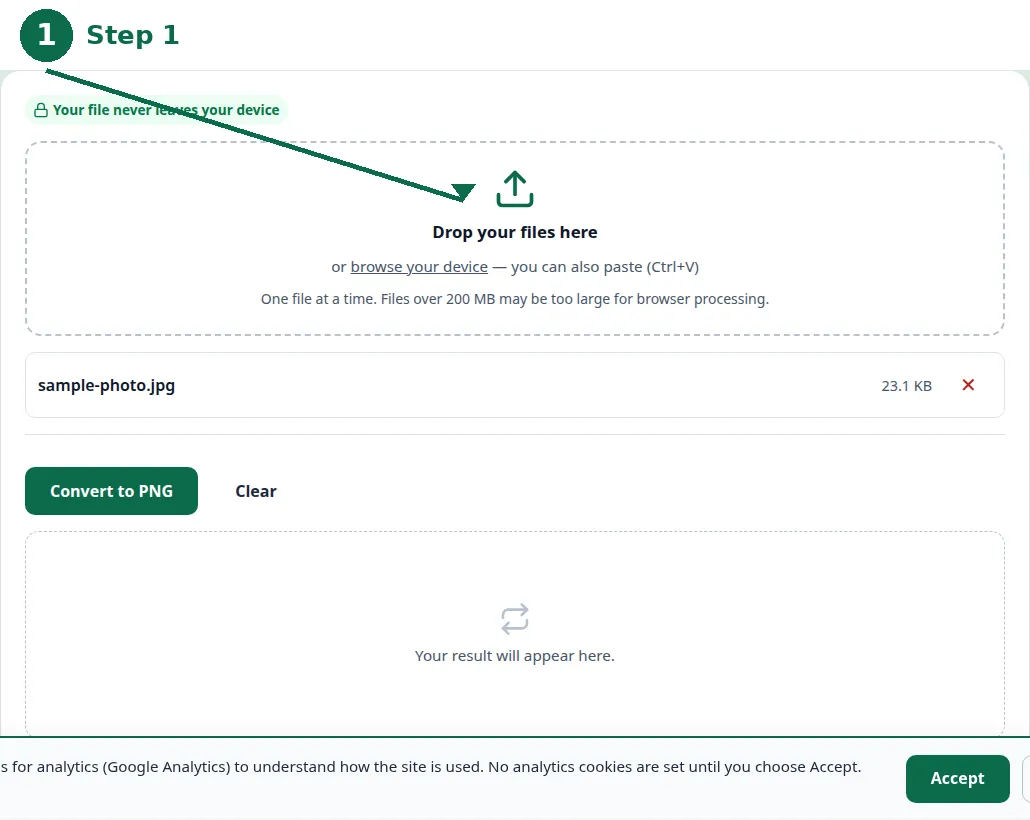
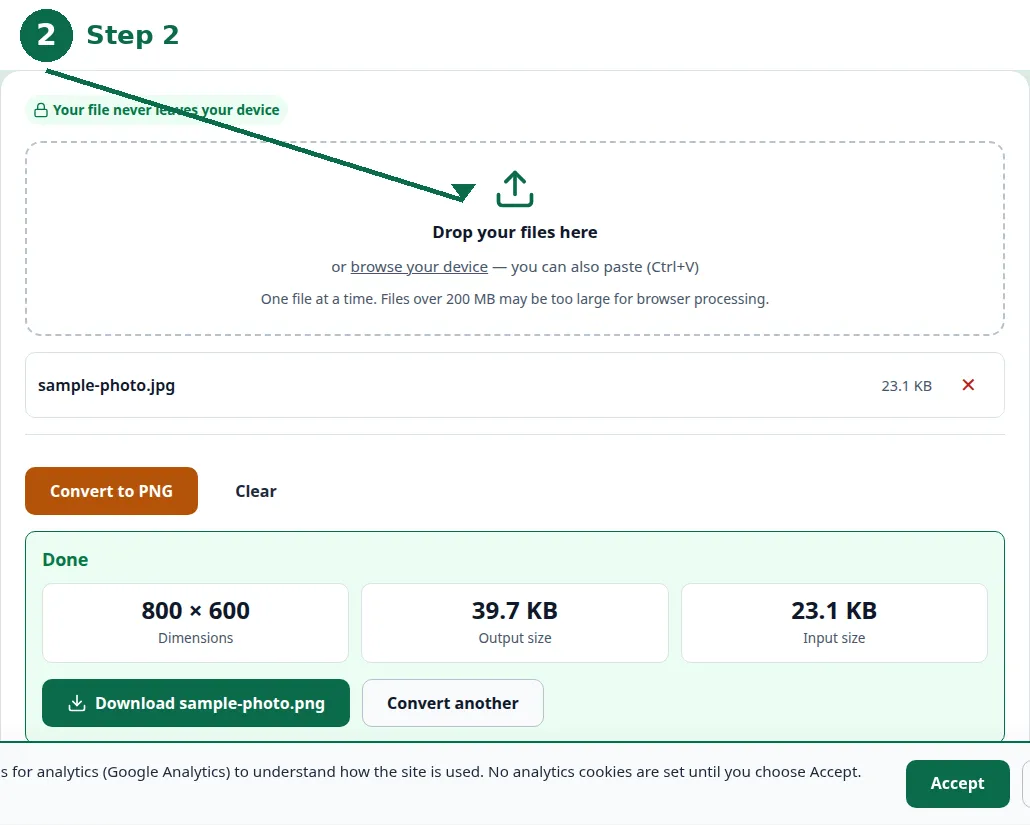
When you convert a file on this site, the work happens on your own device, inside your browser. You choose a file, and the browser reads it into memory; the built-in browser engine converts it — a JPG to a PNG, a PDF compressed, a document merged — and the result is offered as a download to your device. At no point does the file travel anywhere: there is no upload, no server in the middle, and no copy stored anywhere else.
When you close the tab, the file is gone from memory — there is nothing to delete, because nothing was ever kept. There is no account, so there is no account holding your files, and no history of what you converted. That is the whole privacy model, and it is stated on every tool page in the same words, because it is the same for every tool: your files stay on your device.
- Step 1 — Open the JPG to PNG tool and choose your file.
- Step 2 — Click Convert: the conversion runs in your browser, on your device.
- Step 3 — Download the result to your device.
- Step 4 — Close the tab: your file is cleared from memory, and nothing was ever uploaded.
What happens elsewhere: conversion on a server
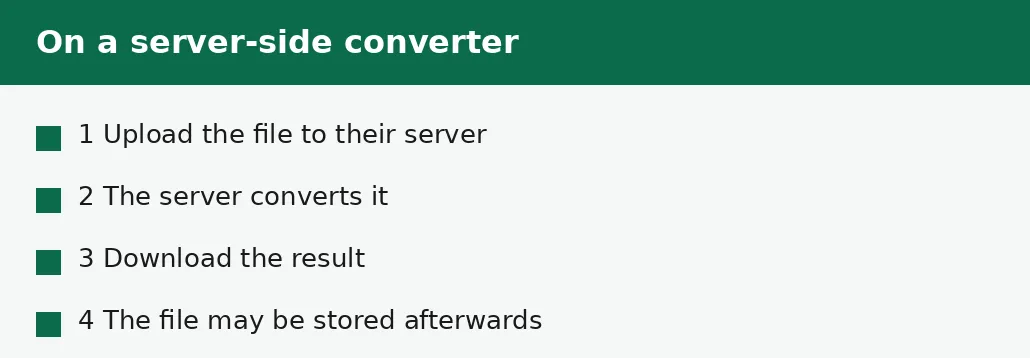
Many online converters work differently: you upload the file to their server, the server converts it, and you download the result. The file has left your device, and what happens to it next depends on that service: it may be deleted immediately, deleted after an hour, or kept for days — and the privacy note is where that is stated, if it is stated at all. A converter that needs a server is not necessarily a bad converter — some conversions genuinely need one — but the file is in someone else's hands, and that is a fact worth knowing before you upload it.
The reason this site converts in the browser is that its conversions can be done there, with no server and no ongoing cost — which is also why the site is free. A conversion that cannot run in the browser is not offered here rather than offered on a server: the PDF-to-Word conversion, for example, needs server processing, and this site does not offer it, because offering it would mean uploading your file.
| In your browser (this site) | On a server (elsewhere) | |
|---|---|---|
| Your file leaves your device | No | Yes — it is uploaded. |
| Stored after converting | No — nothing is kept | Depends on the service. |
| Account needed | No | Sometimes. |
| Works offline | After the page loads, yes | No — the server must be reached. |
| Conversions possible | Those that run in a browser | Anything, including heavy ones. |
| Cost to run | None, once built | Server costs, passed on somehow. |
How to tell which model a converter uses
Read the privacy note before you upload a file anywhere: a browser-side converter says the file never leaves your device, and a server-side converter says the file is uploaded — or says nothing, which is itself an answer. Look for the words: processed in your browser, never uploaded, and no account are the marks of the browser model; uploaded to our servers, stored for, and deleted after are the marks of the server model.
Other signs are practical: a browser-side converter works after the page loads even if the connection drops, because the work is on your device; a server-side one stops working without a connection. A browser-side converter has no file-size limit imposed by an upload — its limit is your device's memory — while a server-side one often caps uploads at a few megabytes, because uploads cost the service bandwidth and storage.
What browser conversion cannot do
Browser conversion has honest limits, and this guide states them rather than hiding them. A very large file — hundreds of megabytes — may be too much for your device's memory, and the tool will say so rather than pretending. A conversion that needs heavy server software cannot run in a browser at all, which is why some conversions are not offered here. And a file that must be processed by a service — a translation that needs a remote model, a conversion that needs licensed server software — cannot be done on your device, whatever the site promises.
Those limits are the price of the privacy model, and they are stated on the tools themselves: the file-size warning, the honest error message, the conversion that is not offered. A converter that claims no limits at all is worth doubting — every model has limits, and the honest ones say where they are.
Sensitive files: what to do
For a sensitive file — a contract, a medical record, a financial document, anything you would not want someone else to hold — the browser model is the safer one, because the file never leaves your device. That is the practical meaning of the privacy model: the risk is not that a server is hacked, but that the file is somewhere you cannot see it, held by someone you do not know, under rules you did not read.
Even in the browser, take the ordinary precautions: convert on your own device rather than a shared one, download the result to a folder you control, and close the tab when you are done. And if a conversion genuinely needs a server, read that service's privacy note before you upload — what it stores, for how long, and how it deletes — and do not upload a document you would not want stored elsewhere.
Troubleshooting
Why does the tool say my file is too large?
Because browser conversion is limited by your device's memory, and a very large file exceeds it. Split the file into parts, or use a smaller source file — the tool reports the limit honestly rather than pretending.
Why does this site not offer PDF to Word?
Because that conversion needs server processing, and this site runs its tools in your browser with no server. A conversion that cannot run in the browser is not offered here rather than offered on a server that would hold your file.
How do I know my file was not uploaded?
Because the conversion works in your browser: the page states it, the tool works after the page loads, and there is no account and no upload step. A converter that uploads your file shows an upload — this one shows a file chosen on your device.
Common questions
What happens to my file when I convert it here?
It is converted in your browser, on your own device, and never uploaded to a server. Closing the tab clears it from memory; there is no account, and nothing is stored anywhere.
Do all online converters work this way?
No. Many upload your file to their server, convert it there, and store it for some time afterwards. Read the privacy note before you upload a file anywhere — it should say what happens to the file after.
Is browser conversion safe for sensitive files?
It is the safer model for sensitive files, because the file never leaves your device. Still convert on your own device rather than a shared one, and close the tab when you are done.
Why are some conversions not offered on this site?
Because they need server processing, which this site does not run. A conversion that cannot run in the browser is not offered here rather than offered on a server that would hold your file.
What if my file is too large to convert in the browser?
The tool will say so honestly. Split the file into parts, or use a smaller source file — the limit is your device's memory, not an upload cap.
Does closing the tab really delete my file?
Yes. The file lives only in the browser's memory while the tab is open; closing the tab clears it. Nothing was ever uploaded, so there is nothing stored elsewhere to delete.
Summary
On this site, conversion happens entirely in your browser: the file never leaves your device, nothing is stored, and closing the tab clears it from memory. Many other converters upload your file to a server, convert it there, and store it afterwards — which is not necessarily bad, but is a fact worth knowing before you upload. Read the privacy note, check whether the file leaves your device, and for sensitive files, prefer the model where it never does.